9 min read

Published
March 19, 2026
AI Native Interfaces: Designing Beyond Prompts and Workflows

Dominik
UX/UI Designer
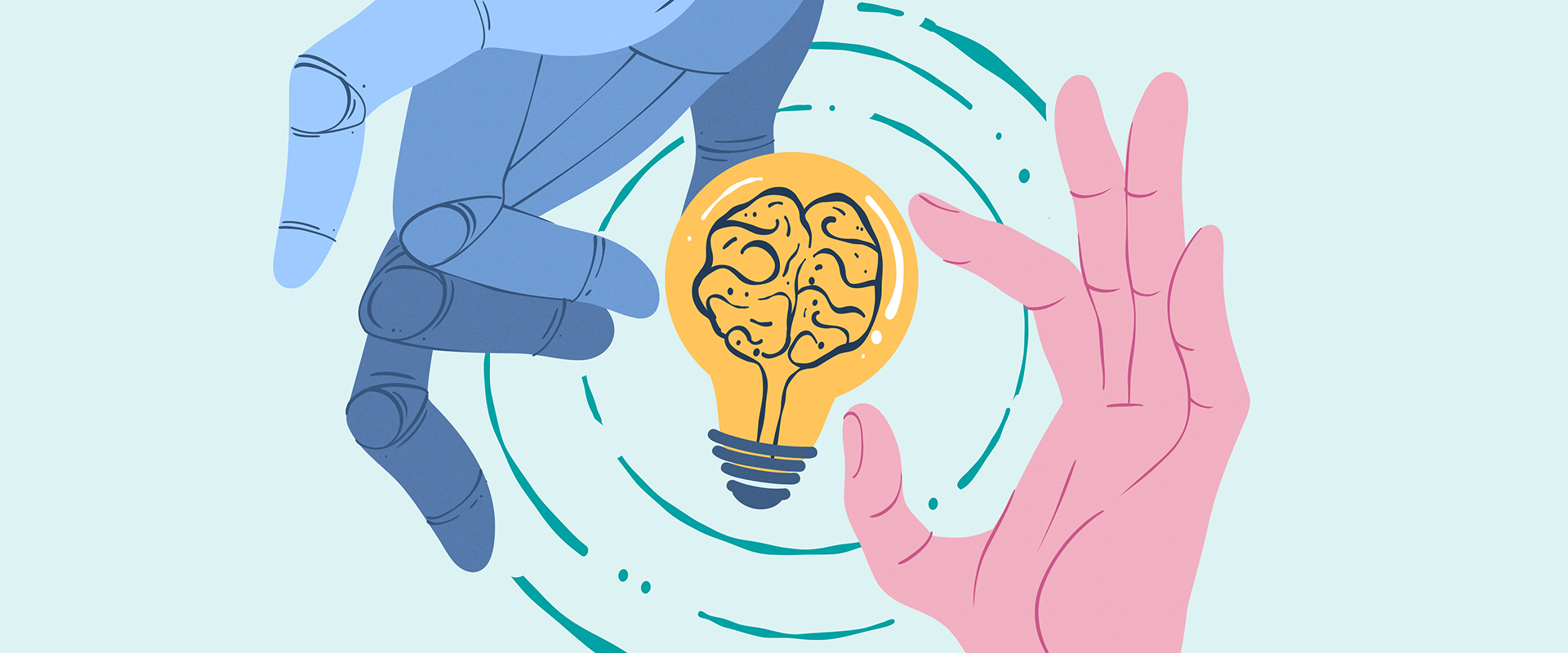
An AI native interface is a product interface designed around AI-generated outcomes rather than step-by-step workflows, and it’s changing how product teams design software. Instead of step-by-step workflows, users now expect systems to interpret goals and deliver outcomes.
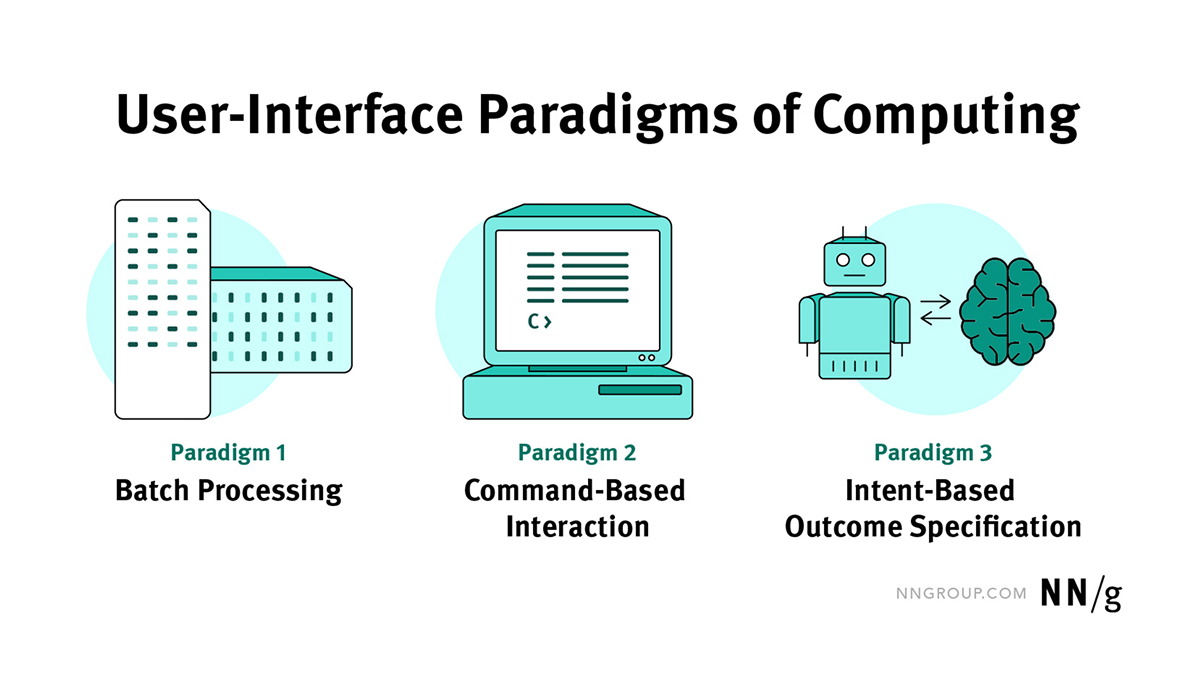
Looking back, for most of computing history, we taught people to learn the steps. Batch, CLI, GUI, touch. The interface held the map and users followed it. With AI joining the game, things have changed. People now state outcomes, and systems interpret and act on them.
Jakob Nielsen frames this as a shift from command-based to intent-based interaction and calls it the first new UI paradigm in decades. This is not simply a new feature, it is a change in design itself, from screens and flows to outcomes and the controls that shape them.
Many product teams are adding AI as a feature rather than rethinking the interaction model, but just adding AI to existing interfaces is pointless. The result is a chat box imposed on an existing interface, a few prompts, and an experience that breaks down in daily use. Users don’t know what to ask, results are hard to refine, and the product still behaves like step-based software.
AI products require a different interaction model. If users now expect outcomes from AI-powered software, that means you need to delve deeper and design products where AI makes it easier for people to use the product and helps them reach their outcomes faster.
Easier said than done, right? Let’s see how we can approach this new reality.
Modern AI models can read intent from messy, incomplete inputs well enough to propose a first draft before anyone even wires a flow. Interfaces are becoming fluid, context-aware, and collaborative, which pulls us beyond the idea that a single screen is the whole app. If the surface does not adapt, the experience collapses into novelty.
Open prompts also expose a human limit. Many people do not know what to ask or how to ask it. Jakob Nielsen describes this as the articulation barrier. This is why prompt-first interfaces – products that revolve around a single input field as the primary way to do everything – can be very powerful, but also difficult to use. They give us a universal remote for the product, but push all responsibility for articulation onto the user. As Julie Zhuo notes, chat is great for the first idea and frustrating for iteration. This means those who are better at articulating themselves will have an easier time using these kinda of interfaces – but what about everyone else?
Let’s look at an example. “Three days in Lisbon in October. Walkable neighborhood. One hands-on activity. Great seafood. Under one thousand euros.” Hit send, and in seconds, a bookable sketch appears inside a chat agent. Flights. A small hotel by the river. A tile workshop. A loop past the market.
Then life enters. The Friday flight needs to be later. The hotel's noise reviews look questionable. Your partner wants a sunset run. The forecast suggests rain. If every refinement requires composing another mini essay as a prompt, we are whispering life through a keyhole. That is the articulation barrier in action. Most of us are not trained to give precise instructions in the face of uncertainty.
But what if the surface changed instead? Keep the conversation for goals, but let the result live beside it as an artefact. Put a small explanation card on the hotel that shows why it was chosen and which assumptions guided the route. Offer light-weight handles to nudge the budget, move the workshop, or branch a rainy version without starting over. Preview to show the plan, dry run to test without consequence, execute when it matters with a log and undo. This mix of conversation and direct manipulation is the practical shape of AI native UX.
Prompt-based interfaces alone are insufficient, as they keep everything inside the chat history. AI native UIs let the prompt open a playing field: a canvas of artifacts, controls, and explanations that people can see, adjust, and trust. That playing field is where new patterns will emerge.
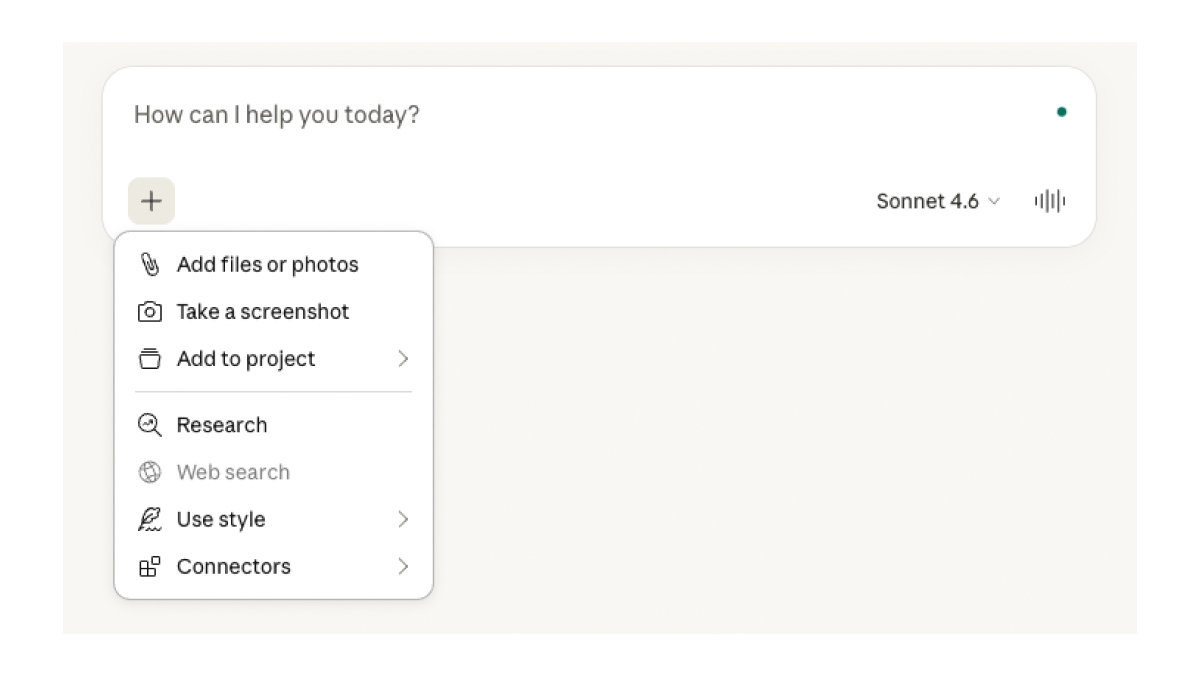
Open prompts can feel exciting at first. You can ask for anything. But after a while, they start to feel like work. A blank input field offers many possibilities, but it can also make people unsure what to write.
Prompt-first interfaces amplify this tension. They put one text box at the centre of the product and expect everyone to think and write like an expert user. But that is only one way to design AI products. Other options exist: a mix of chat and visual tools, generated panels that appear when needed, or small task-specific tools that help people adjust results.
To design better systems, it helps to ask a few simple questions. People usually prefer to recognise and adjust things rather than remember and write detailed instructions. So when the first result appears, what should already be visible on the screen? Simple controls like chips, sliders, or drag handles might help users adjust the result without writing another prompt.
Trust also depends on clarity. When the system produces something, the interface should explain why. What did the system understand? What assumptions did it make? Why did it choose this option? These explanations should live directly on the result, not hidden in a help page.
Adaptation can also become confusing. AI systems change behaviour based on context and user input. That can be helpful, but it also needs clear boundaries. Users should be able to see what the system can change and what stays fixed.
And finally, one important question remains: when does a prompt-first interface actually make sense? Sometimes the right answer is a great prompt box. Sometimes it is a generated dashboard, a temporary tool, or a companion that quietly configures the underlying systems while the UI stays familiar.
For AI native interfaces to work in practice, they need a design system the machine can read. These interfaces are not composed from individual screens. They are assembled from tokens, patterns, and rules that can be combined on demand. A colour variable that once existed only for human designers now doubles as a constraint for a model. A spacing scale, a grid, a card pattern, a tone-of-voice guideline – in an AI native stack, these are no longer just documentation. They are the vocabulary and grammar the system uses to generate new UI that still feels like your product.
A good way of thinking about it is to treat tokens and rules as a brand API. When the artefact arrives with the right handles attached and the right components chosen, refinement feels like turning the right knob rather than pleading with a model. A well-structured design system tells AI what “primary action” means in this product, how dense a “quiet layout” is allowed to be, and which combinations are out of bounds. Without that scaffolding, AI drifts toward generic UI or breaks consistency every time it improvises.
This makes design systems a safety layer. They encode accessibility constraints, motion budgets, and content limits that keep generated interfaces inside legal and ethical boundaries. Teams that historically saw design systems as efficiency tools now need to see them as control surfaces for AI: places to set guardrails, not just speed up shipping.
Teams shift as well. Strategy and research model outcomes and risks. Design system automation focuses on tokens, rules, and governance and works closely with engineering to ensure patterns are truly machine-readable. Prototyping brings the canvas, conversation, explainability, and rails together and exercises the system like a user would. The craft moves up a level, raising the bar for taste and judgment as agents take on routine work.
This shift matters because it changes where value is created and how people access it. If we keep designing step-by-step interfaces, we will continue shipping workflows when users increasingly want outcomes. On the other hand, if we treat prompts as the only solution, we risk building new corridors inside a single text box. In that world, the people who are good at writing prompts succeed, while others stall at a blank input.
For product teams, this raises practical questions. Where in the product do users really want outcomes instead of workflows? Which interactions should stay structured rather than prompt-based? How can people refine AI-generated results without starting over? And can the design system support dynamically changing interfaces without losing consistency?
Answering these questions usually shows that AI is not just a feature decision. It is a product design challenge. Understanding how people describe goals requires research into real user behaviour. Designing the interface often means exploring hybrids beyond chat: conversation combined with visual artefacts, canvases, and direct manipulation.

Design systems also need to evolve so AI can generate UI using structured tokens, patterns, and rules without breaking brand or accessibility standards. Early prototypes help teams test how systems behave, for example, through patterns such as preview, dry run, and execution before heavy engineering work begins.
This is the work many product teams now have to do: rethink interfaces, research methods, and design systems for a world where outcomes arrive before workflows. The goal is not to find one perfect interface pattern and lock it in. The goal is to explore the space and design systems that remain understandable, controllable, and trustworthy as AI capabilities grow.
Good products will still require judgment, taste, and careful design decisions. AI does not remove that responsibility. If anything, it makes it more important.
As designers are no longer only shaping screens and flows, this means the role of UX design has changed as well. Designers are now shaping how intelligence appears inside a product: what the system knows, how it explains its choices, and where it is allowed to act.
In the future, design work will focus less on arranging menus and more on shaping identity, trust, and context. Design systems will also play a bigger role, encoding these decisions so both humans and AI systems can apply them consistently.
In that sense, UX design does not become less important in the age of AI. It becomes even more foundational. As systems grow more capable, someone still needs to ensure they remain understandable, reversible, and worth using.
Are you looking to build an AI native interface or improve AI UX design for your product? Send us a message, and our UX designers will help your AI story get going.
Dominik is a UX/UI designer at COBE, always exploring new tools, whether that's through his work or creative hobbies like clay modelling and writing.